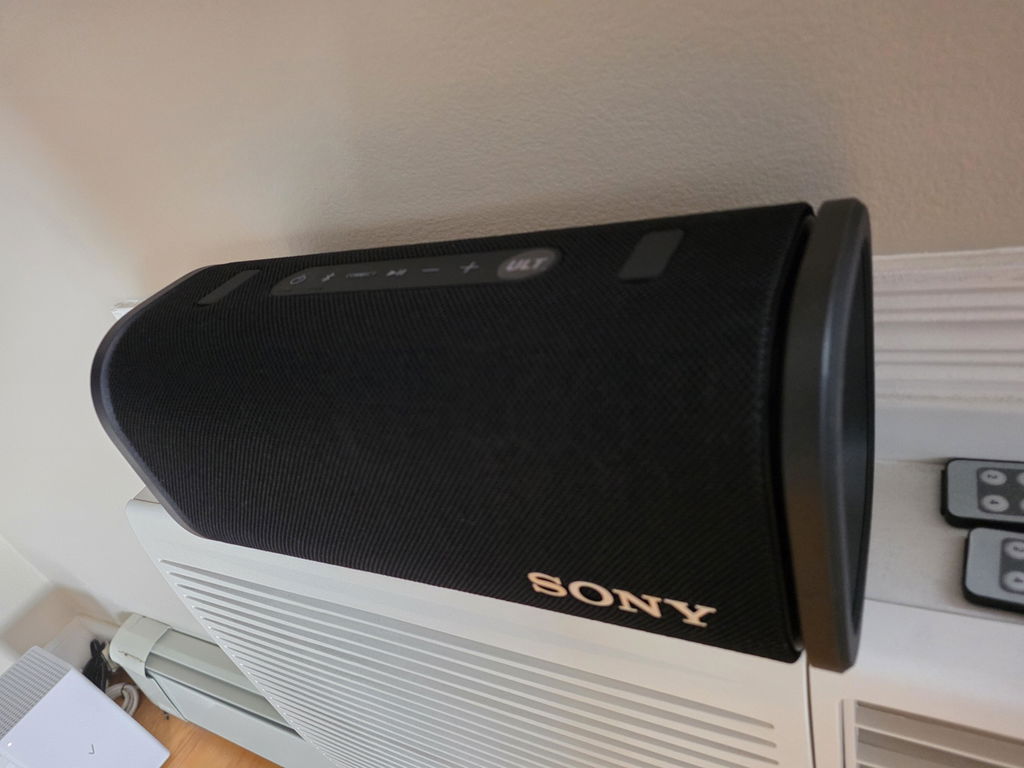


Two electronics listings can share a familiar product name while differing in features, connections or included equipment. Comparing the exact model is a more reliable way to choose than judging by the photo alone.
Find the model number first
Look in the product title, description and Specifications tab. A model number identifies a more specific version than a broad product-family name. Write down the full number, including letters and suffixes, before comparing listings.
Use the manufacturer’s documentation to confirm what those differences mean. Do not assume that a higher number, a similar enclosure or a matching brand guarantees compatibility.
Match the connections to your setup
Check both ends of the connection you need. Consider the connector, the device’s requirements and any adapter or cable needed for your setup. A listing for a display, audio device or peripheral should be compared with the equipment you plan to connect it to.
Compare the selected variant
Color and size choices can represent different SKUs. After selecting an option, recheck the model and other specifications shown on the product page. Save the SKU if you need to ask a question about that exact choice.
Separate specifications from condition
The model describes the product version. New, Open Box, Used and Refurbished describe its condition. Compare both: the correct condition label does not make an incompatible model suitable for your setup.
Also check the listing’s included items. If a charger, remote, receiver, cable or other accessory is necessary, look for a clear statement that it is included.
Ask before you order
If a requirement cannot be confirmed from the listing and manufacturer’s documentation, send our team the product link and SKU. You can also review our condition guide and return policy before making your decision.