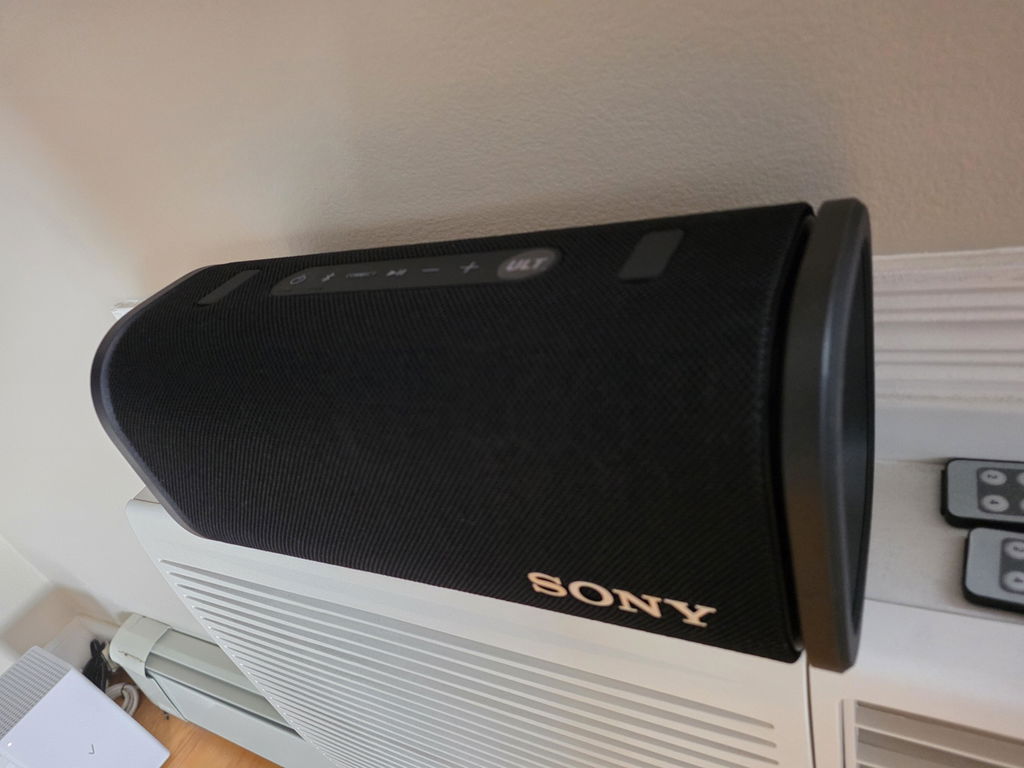


Open-box and refurbished shopping starts with a simple habit: compare the listing with what you actually need. A few focused checks can help you avoid buying the right category of product but the wrong version.
1. Confirm the exact model
Product names can look almost identical across different generations and configurations. Compare the model number in the specifications with the version you want. For a replacement part or accessory, check the manufacturer’s compatibility information rather than relying on a similar-looking photo.
2. Read the condition details
Look for the New, Open Box, Used or Refurbished label and read any additional condition notes. Cosmetic wear, packaging and the item’s history can differ. Our condition guide explains the four labels.
3. Verify what is included
Look for an explicit accessories list or a statement in the description. A photograph of a product family is not a substitute for confirmation of the contents of your particular listing. If a battery, charger, remote, cable or mounting component is essential, resolve that question before ordering.
4. Check the specifications that affect your use
Make a short list of requirements: dimensions, connection type, capacity, size, color or compatibility. Compare those requirements with the selected variant. If you change a size or color option, check that the SKU and details still describe the item you intend to buy.
5. Review the order and policies
Confirm the selected item, quantity and delivery address before submitting your order. Read the shipping policy and return policy so you understand the applicable requirements.
A missing detail is a reason to ask a question, not to make an assumption. Contact Secondipity with the product link and SKU so our team can identify the listing you are considering.